
Why Your Git Commit Messages Should Be Like Your Instagram Posts
Been there, done that!
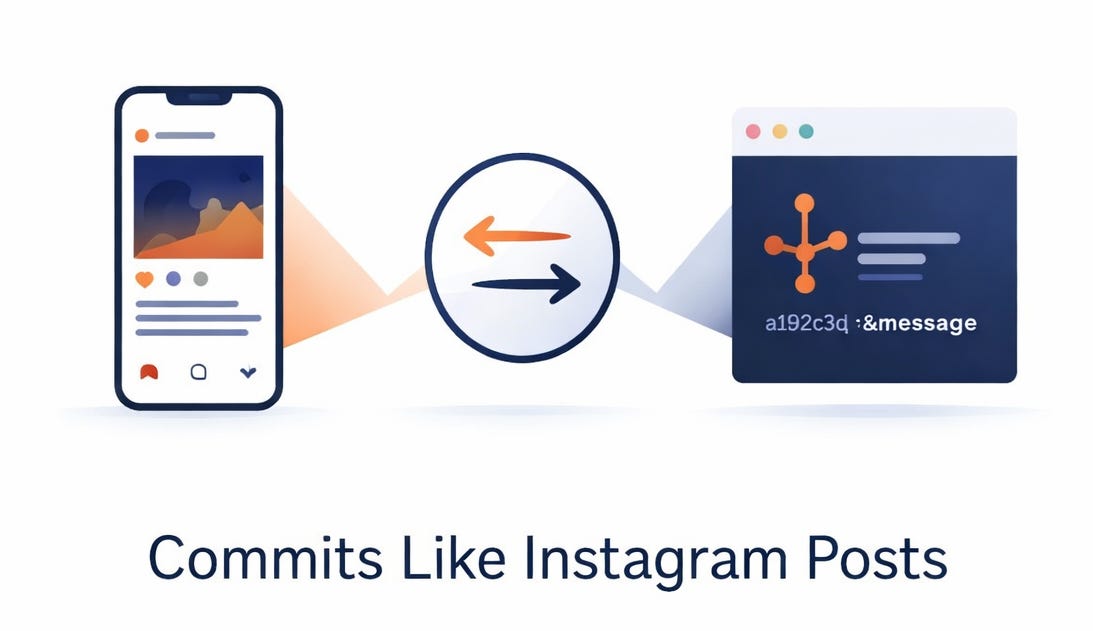
Every developer has been there. You’re scrolling through your project’s commit history, and you see something
git commit -m “stuff”
git commit -m “fixed it”
git commit -m “update”
Now imagine if Instagram captions were written the same way. Your stunning sunset photo accompanied by “pic”?
A 10-day adventure summed up as “travel”?
It would completely miss the magic, the context, and the story that makes your content worth sharing.
Your commit messages deserve the same care and attention as your best Instagram posts.
The Instagram Parallel: Why It Actually Makes Sense
Think about what makes an Instagram post successful. A great Instagram post tells a story. It captures a moment, explains its significance, and engages your audience. Your commit messages should do exactly the same—except your audience is other developers (including your future self).
When you post a photo on Instagram, you don’t just throw it up without a caption. You craft a message that explains:
• What you captured (the subject)
• Why it matters (the context)
• What makes it special (the details that set it apart)
Your commits need the same thoughtfulness. A commit is a moment in your codebase’s history. Future developers—or you, three months from now—will read that commit message trying to understand what changed and, more importantly, why.
Breaking Down the Instagram Post Formula for Commits
The Hook (Subject Line)
Instagram posts start with a strong opening line that makes people stop scrolling. Your commit subject line does the same thing in your repository’s history.
Instagram: “Just witnessed the most incredible sunset at Uttarakhand(Himalayas) 🌅”
Git (weak): “changed the view”
Git (strong): “feat(ui): Add dynamic theme switching for wildlife content gallery”
The strong version is like a great Instagram caption—it’s clear, specific, and immediately tells you what’s important about this change1.
Follow the 50-character rule (yes, it’s short, but constraints fuel creativity—Instagram knows this better than anyone). Limit your subject to a single, punchy line that could complete this sentence: “If applied, this commit will…” 23
Instagram tip: Your first line is what appears in feed previews. Your first 50 characters are what appear in git logs
The Story (Body/Description)
Instagram’s best posts don’t stop at the headline. They dive deeper with a well-crafted caption that explains the “why”—why this moment matters, what led to it, what you learned.
Your commit body should do exactly this. A commit should explain:4
• What you changed and why it was necessary
• Why you made this decision (not how—your code shows that)
• Context that helps future developers understand the reasoning
Instagram (weak caption): “Love this photo”
Instagram (strong caption): “Spent three weeks planning this shot during the perfect monsoon season. The Beautiful sunset at Chakumba peak is a pure magic. This represents the intersection of nature and heritage that inspired our WilderhoodTV project.”
Git (weak): “fixed performance issue”
Git (strong):
fix(image-processing): Optimize IQA pipeline memory usage

The previous implementation loaded entire image batches into memory before processing, causing Lambda timeout errors on large uploads (>100MB). Refactored to use streaming chunks of 5MB, reducing memory footprint by 60%. This change enables the pipeline to handle 4GB+ batches without exceeding Lambda’s 10GB limit, critical for high-resolution wildlife photo processing in production.

Related to: Parjanya feature request #234
Notice how the strong example provides context? Future developers understand not just what changed, but why. 5
The Hashtags and Tags (Commit Type/References)
Instagram uses hashtags to categorize content and increase discoverability. Git has something similar: commit types.
Just as Instagram has specific hashtags (#wildlife, #nature, #architecture), Git has commit types:
• feat: Introducing a new feature
• fix: Addressing a bug
• docs: Documentation changes
• refactor: Code restructuring without changing functionality
• perf: Performance improvements
• test: Adding or updating tests
• chore: Maintenance tasks
Using commit types is like using the right hashtags—they help people find relevant commits, they work with automation tools, and they tell a quick story about what kind of change this is. 6
Instagram:
#wildlife #nature #photography #india #Uttarakhand (max 5 allowed)Git:
feat(api): Add support for create couponsThe type + scope format makes your commit instantly searchable and understandable.
Engagement (Frequency and Thoughtfulness)
The most successful Instagram accounts post consistently and thoughtfully. They don’t save up a year’s worth of photos and post them all at once. They understand the value of regular, meaningful engagement.
Your commits should follow the same principle. Commit frequently with clear, focused changes. One well-crafted commit that adds a feature is better than five commits saying “stuff,” “more stuff,” “fixed it,” and “I think this works now.” 7
Why? Because:
1. Small, focused commits are easier to understand and review
2. Frequent commits create a narrative of your work
3. Meaningful commits make it easy to revert a specific change if needed
Instagram analogy: It’s better to post one stunning, well-captioned photo once a week than to spam five mediocre ones daily.
The Imperative Mood: Commands, Not Confessions
Here’s a subtle but critical difference that separates amateur commit messages from professional ones. Use the imperative mood—write as if giving a command. 8
Weak (past tense):
• “Fixed the login bug”
• “Added new user validation”
• “Updated the styling”
Strong (imperative):
• “Fix the login bug”
• “Add new user validation”
• “Update the styling”
Why does this matter? Because imperative mood completes the sentence: “If applied, this commit will fix the login bug.” It’s action-oriented, clear, and aligns with how Git itself describes your changes.
Think of it like Instagram captions. Would you caption a sunset photo “I watched the sunset” (past tense) or “Watch the golden hour unfold” (imperative, engaging)? The second draws people in.
The Perfect Commit Message Template
Here’s your Instagram-inspired commit template:
[type](scope): Brief, imperative description (≤50 chars)

More detailed explanation of what changed and why. Wrap at 72 characters. Explain the problem you solved, the approach you took, and why this matters.

Reference any relevant issues, PRs, or discussion:
Fixes #123.
Related to: Feature request #456
Example (strong):
feat(content): Add interactive chapter markers for wildlife docs

Implemented clickable timeline markers that allow viewers to jump to key moments in documentary chapters. Used Server-Sent Events (SSE) for real-time position tracking across devices.

This addresses viewer feedback that long-form content (25+ mins) needed better navigation. Analytics show 40% of viewers skip to the middle—this feature aims to guide discovery.

Closes #89
See how that reads?
It’s a story. It’s professional.
It’s something you’d be proud to put your name on—just like a great Instagram post.
Why This Matters for Your Career
Here’s something that separates junior developers from senior ones: commit history literacy.
Senior developers don’t just look at code—they read commit messages. When debugging a production issue at 2 AM, they’re looking for context. When reviewing code, they’re understanding intent. When maintaining a year-old codebase, they’re grateful for clear documentation.
Your commits are a portfolio piece. They show:
• Communication skills: Can you explain technical decisions clearly?
• Professionalism: Do you take care with details?
• Thoughtfulness: Do you consider future readers?
• Debugging ability: Can you provide context others can use?
Companies value developers who write good commits. Open-source projects are more likely to merge PRs from people with clear commit histories. Your future self will thank you when you’re trying to understand why a decision was made six months ago.
Common Mistakes (And How Instagram Teaches Us Better)
Mistake 1: Vague messages
• Bad: “Update” | Instagram equivalent: “Photo”
• Fix: “refactor(parser): Simplify JSON extraction logic”
Mistake 2: Too much in one commit
• Bad: “feat: Rewrote entire auth system, refactored database, updated UI, added tests”
• Instagram equivalent: A 30-image carousel when people want one stunning photo
• Fix: Break it into logical, related commits
Mistake 3: Assuming people know the context
• Bad: “Fix bug in endpoint”
• Instagram equivalent: “Check this out” with no context
• Fix: “fix(api): Prevent null reference in user details endpoint when profile photo is missing”
Mistake 4: Writing messages for yourself
• Bad: “Did the thing”
• Instagram equivalent: An inside joke only you understand
• Fix: Remember, you’re writing for collaborators and future-you
Making It a Habit
Like any skill, writing great commits gets easier with practice. Here’s how to build the habit:
Start small: On your next project, pick one rule and focus on it. Maybe it’s just using imperative mood. Then add another rule next week.
Use tools: Configure your editor to open a template on commit. Set up hooks that validate your commit format. Use conventional commit tools like commitizen that guide you through the process.
Study great commits: Look at open-source projects you admire. Read their commit histories. See what makes them tick. Just like studying great Instagram photographers teaches you about composition, studying great commits teaches you about code communication.
Review your own history: Look at commits you made three months ago. Can you understand why you made each change? If not, that’s your signal to improve.
The Bigger Picture
Your commits tell the story of your code. Instagram tells stories with images; your repository tells stories with commits. Both require the same ingredients: clarity, context, care, and consistency.
When you write a thoughtful commit message, you’re not just documenting code—you’re building a bridge between your intent and someone else’s understanding. You’re making future debugging easier. You’re showing respect for your collaborators’ time.
And honestly? In a world where code is read far more often than it’s written, that’s one of the most valuable skills you can develop.
So next time you’re about to commit with a message like “fix stuff,” pause. Ask yourself: Would I post this on Instagram? Would it tell a story? Would people understand and appreciate what I’m sharing?
If the answer is no, take another minute and craft something better. Your future self will thank you. Your team will appreciate it. And your commit history will be something you’re actually proud of—just like your best Instagram posts.
Key Takeaways:
• Commit messages are communication, not code. Treat them with the care you’d give an Instagram post
• Use structure: subject line (≤50 chars), blank line, body (explain “what” and “why”), and references
• Write in imperative mood (“Fix” not “Fixed”)
• Commit frequently with focused changes—it tells a better story
• Your commits are a portfolio piece that reflects your professionalism and thoughtfulness
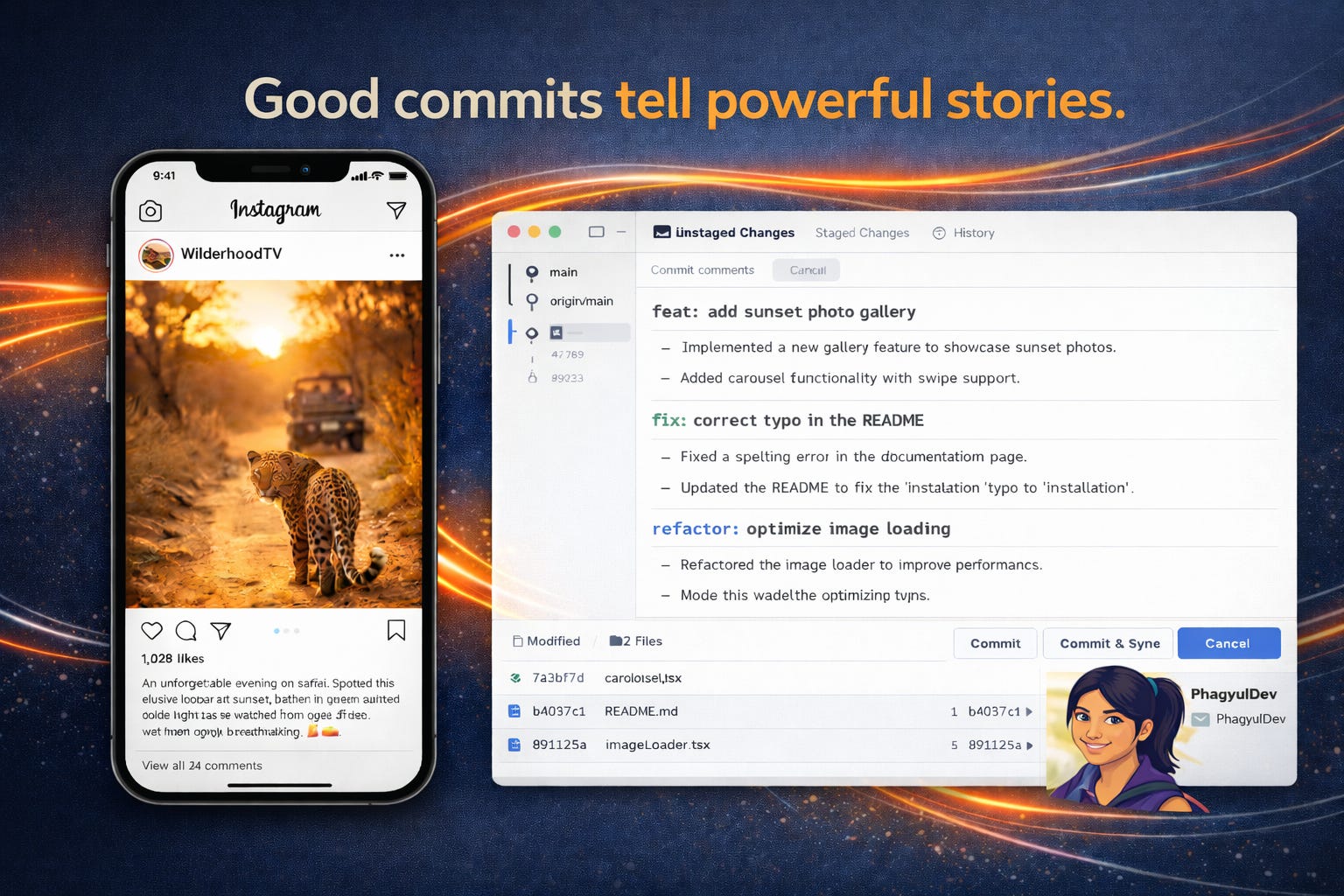
The best commits, like the best Instagram posts, tell a story that resonates long after they’re posted.
Make yours count.
7 Best Practices of Git Commit Messages https://codefinity.com/blog/7-Best-Practices-of-Git-Commit-Messages
How to Write a Git Commit Message https://cbea.ms/git-commit/
Git Commit Messages https://ig-gems.readthedocs.io/en/latest/coding/git-commit-messages.html
Elements of a good commit message https://docs.wpvip.com/development-workflow/write-a-good-commit-message/
Write Better Commits, Build Better Projects https://github.blog/developer-skills/github/write-better-commits-build-better-projects/
Conventional Commits https://www.conventionalcommits.org/en/v1.0.0-beta.2/
Writing a Good Git Commit Message https://www.gitkraken.com/learn/git/best-practices/git-commit-message
Git commit message conventions and best practices https://www.theserverside.com/video/Follow-these-git-commit-message-guidelines